
Resolution Outcome Communication
Last updated 7 April 2026
CompanionAI can now generate an outcome response for your cases, helping you clearly communicate decisions to complainants at the end of an investigation.
This feature gives you a ready-made draft based on the details of the case, saving time while ensuring your response is clear, consistent, and includes all key information.
If you’d prefer, you can also write your own response or copy and paste one into the system.
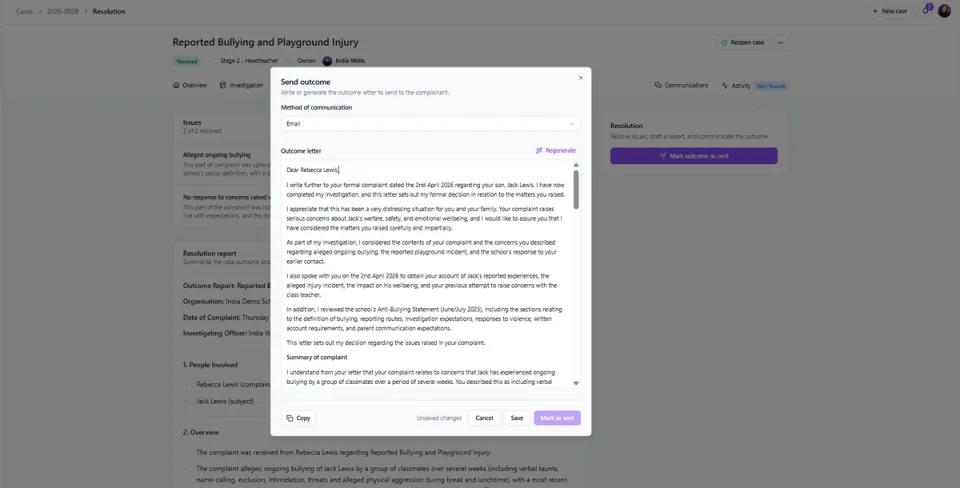
How it works:
- Navigate to the Resolution tab within your case
- Ensure all relevant issues have been resolved and a Resolution Report has been saved
- Select Draft Communication
- Choose the Method of Communication
- Select Generate for CompanionAI to create a draft response based on the case details
- Review and edit the response if needed - you can also regenerate it using a prompt, or write / paste your own response
- Save the response and copy it if needed
- Once the outcome has been sent to the complainant, select Mark as Sent and add the relevant sent date