Additional New Features
Last updated 7 April 2026
On this page
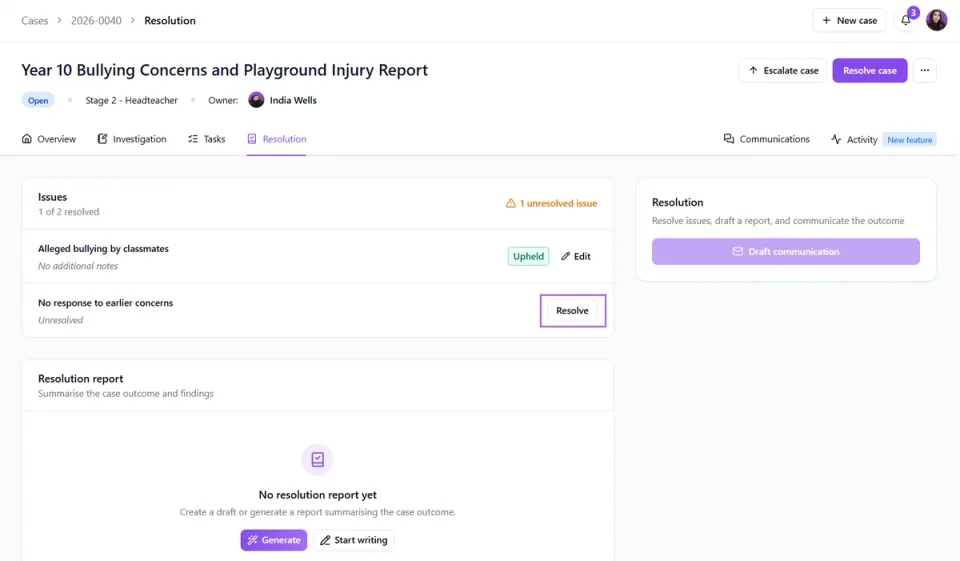
Resolving Issues in Resolution tab
Issues can now be resolved directly within the Resolution tab, making it clearer where to complete the final stage of a case without needing to go back into the Investigation tab to finish the process.
If you prefer to continue using the previous workflow, issues can still be resolved within the Investigation tab.
Multi-Admin Reporting
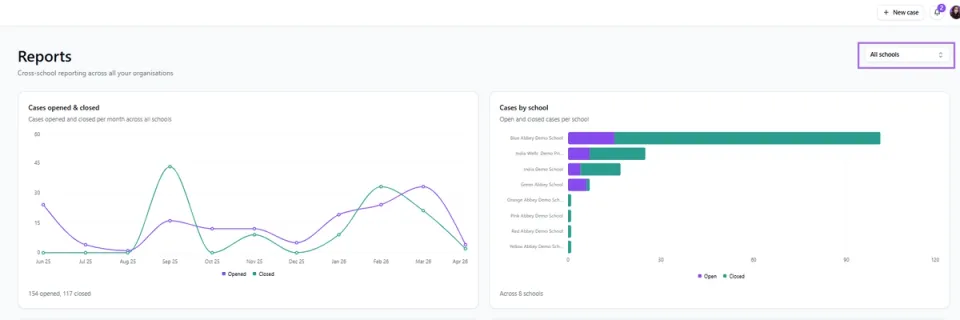
If you’ve got admin access across multiple schools, you can now access cross-school reporting, giving you a clear, visual overview of cases across your schools all in one place.
This makes it easier to see what’s happening across the board, spot trends, and keep on top of activity. You can use the dropdown to filter down to individual schools whenever you need a closer look.
People Profiles
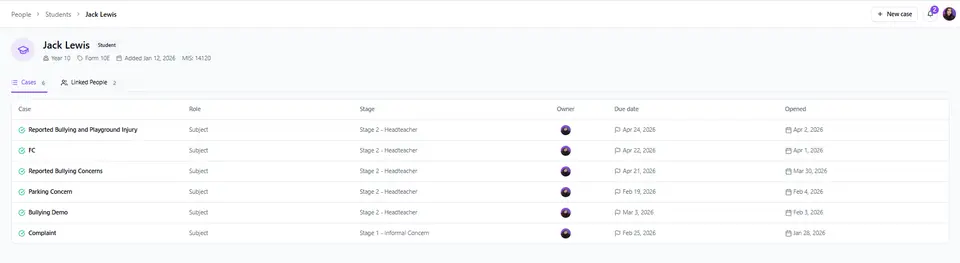
Within the People section, you can now search for individuals using the search bar, making it quick and easy to find the person you’re looking for.
By clicking into a person’s profile, you’ll be able to view all of the cases they’re associated with that you have access to, giving you a clearer picture of their involvement across your system.
You’ll also be able to see additional details, such as MIS ID and the date the person was added, along with any linked individuals - for example, parents or guardians.
Backdating Sent Dates
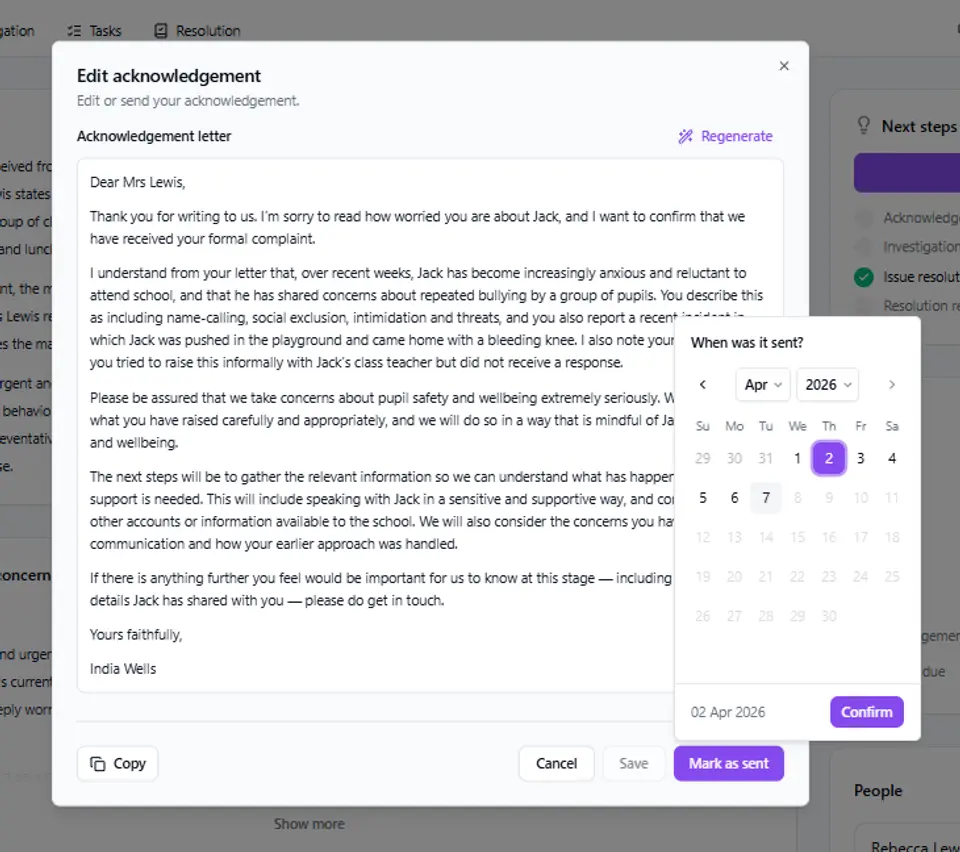
You can now backdate the sent date for acknowledgement and resolution communications, so your records accurately reflect when messages were sent.
Multi-School selector
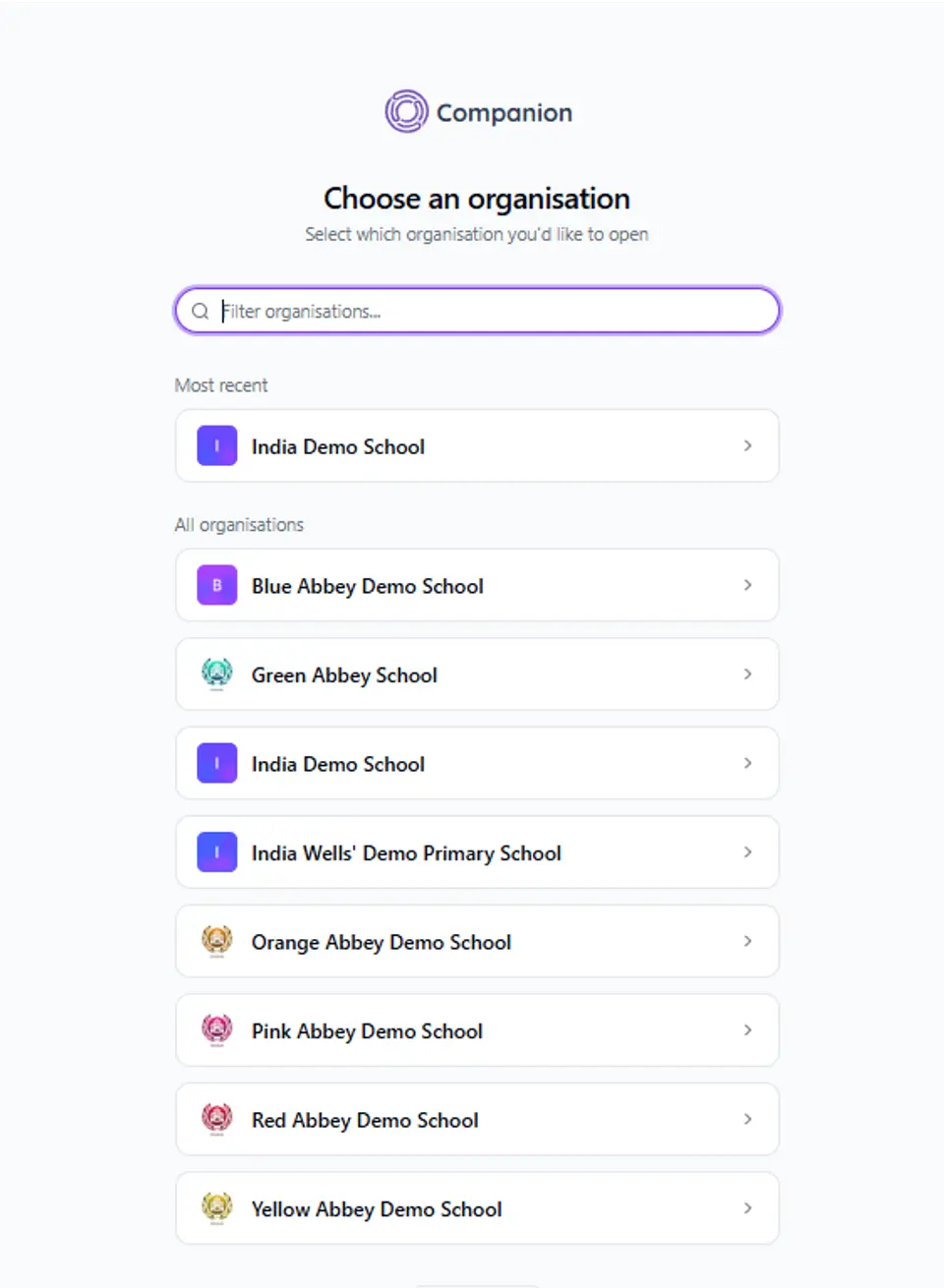
If you have access to multiple schools, you’ll now be prompted to select the relevant school when logging in, so you can go straight into the right system.
Skip to resolution
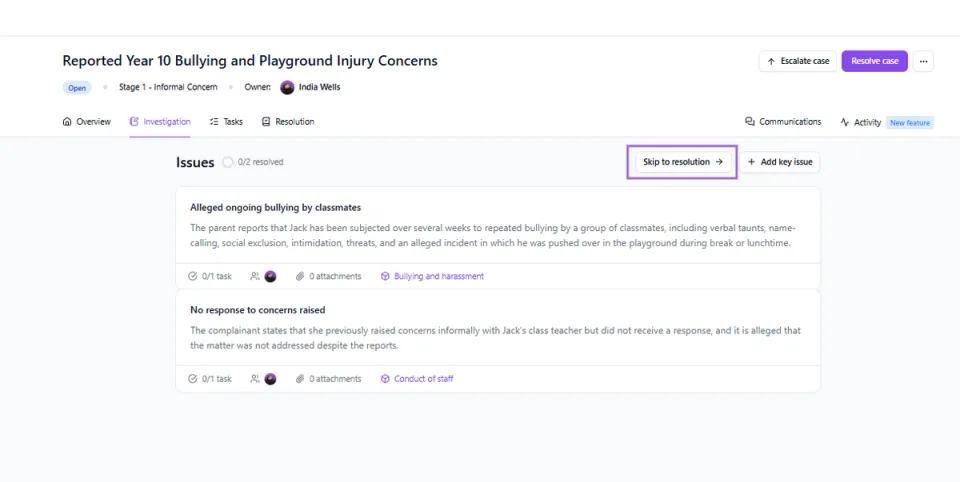
The Skip to Resolution feature allows you to move straight to the Resolution section at any point during a case. This means you can bypass the investigation stage if needed and quickly log and resolve the case, while still recording all relevant details.
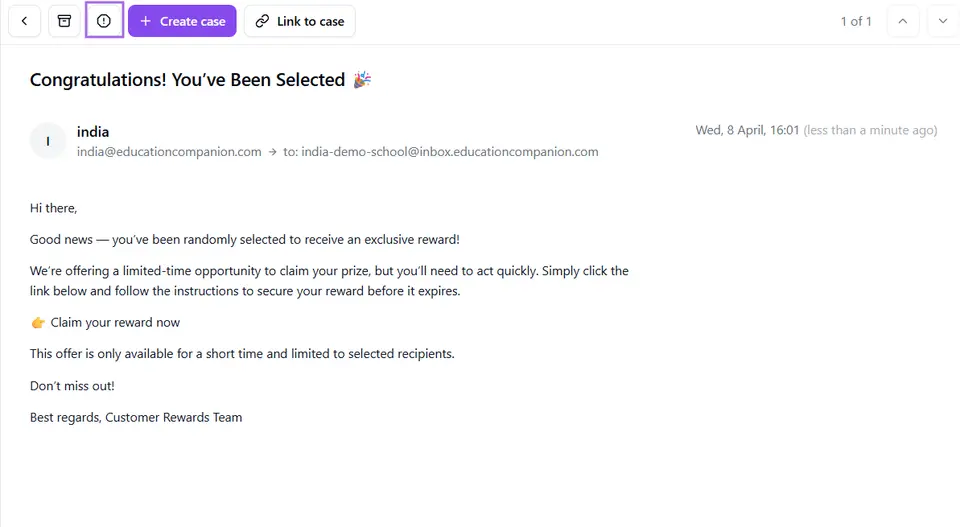
Report Emails as Spam in the Inbox
If any spam emails make their way into your Companion inbox, you now have the option to mark them as spam. This will remove the email from your system and let us know so we can look into it further.